What Does It Take for a Blog Post to Appear in Google Discover?
Indexing does not automatically place a post in Discover. This guide separates eligibility from exposure using Google’s official guidance.
 Findable 6 min read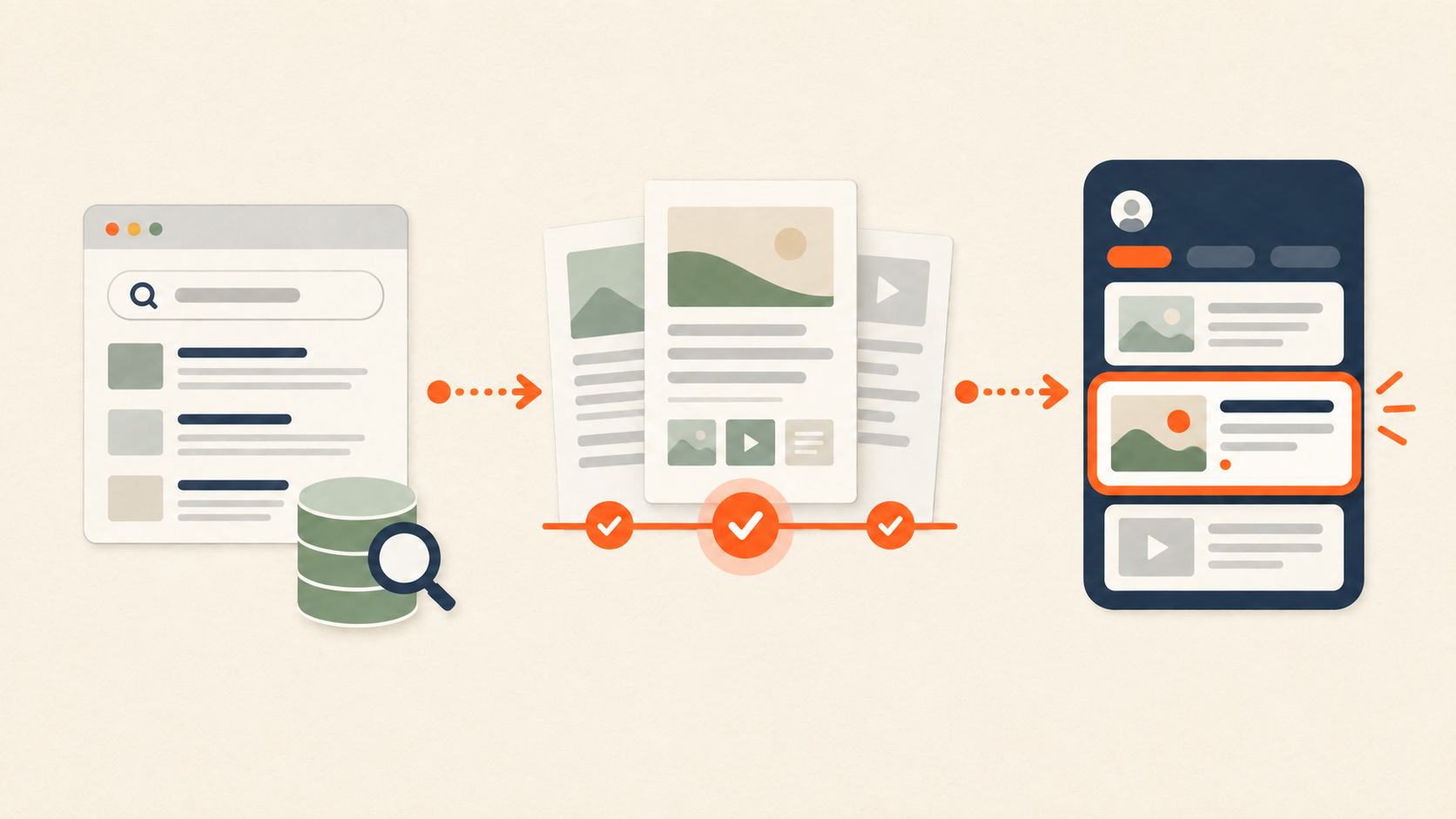
What Does It Take for a Blog Post to Appear in Google Discover?
Google Discover is not an advertising placement or a directory where publishers submit individual blog posts for approval. A public page that is indexed in Google and meets Google’s policies and quality expectations can be eligible for Discover. Whether it actually appears in a person’s feed is decided automatically based on the person’s interests and the usefulness, relevance, and timeliness of the content. Indexing, eligibility, and actual exposure are three different stages.
Google says that Discover does not require special tags or a dedicated Discover-only structured-data type. The page still needs to be accessible to search engines, useful to readers, and clear about its subject. A page can meet the eligibility conditions without being shown to every user, or without being shown at all.
Why can a page be indexed but still absent from Discover?
Indexing means that Google has discovered and stored a page. Discover exposure means that Google has recommended that page to a particular user’s personalized feed. An unindexed page is unlikely to become a Discover candidate, but indexing alone does not determine whether it will be recommended.
This distinction explains why a site can submit a URL for indexing and still see no Discover traffic. After indexing is confirmed, Google evaluates the topic, user interest, freshness, quality, and policy compliance. Google also notes that Discover traffic is less predictable and more variable than traditional search traffic.
A blog post is not automatically a news article either. Google News evaluates news-related content, news policies, and source signals separately, while Discover recommends content based on a user’s interests. Being included in a news sitemap and appearing in Discover are not the same outcome.
Four checks to make before expecting Discover exposure
1. Is the page public and indexable?
The article should be available in HTML without requiring a login or an interaction such as clicking a button before the main text appears. Check that the URL returns a successful response, does not carry noindex, and is not blocked from Googlebot by robots rules. The canonical URL should identify the page’s true preferred version.
For Korean and English versions, each page should use its own language-specific URL as its canonical. If translated counterparts exist, connect them with hreflang while keeping the content natural for each audience rather than copying the same language into both pages.
2. Is the title accurate rather than sensational?
Discover can recommend content even when a user has not typed a query. A title should therefore describe the question the article actually answers and the result a reader can expect, rather than simply list keywords. Claims such as “guaranteed exposure,” “top rankings in one day,” or “officially guaranteed” are not appropriate when the article cannot prove them.
Do not rewrite a title into a sensational promise just to attract clicks. Answer the title’s question early, then explain the conditions and exceptions. This makes the article clearer to both readers and systems that extract answers from pages.
3. Is the representative image relevant?
Google recommends high-resolution Discover images, preferably at least 1,200 pixels wide, with large image previews enabled. Findable’s Insights images use a 16:9 landscape format, but dimensions alone are not enough. The image should be directly related to the article’s subject.
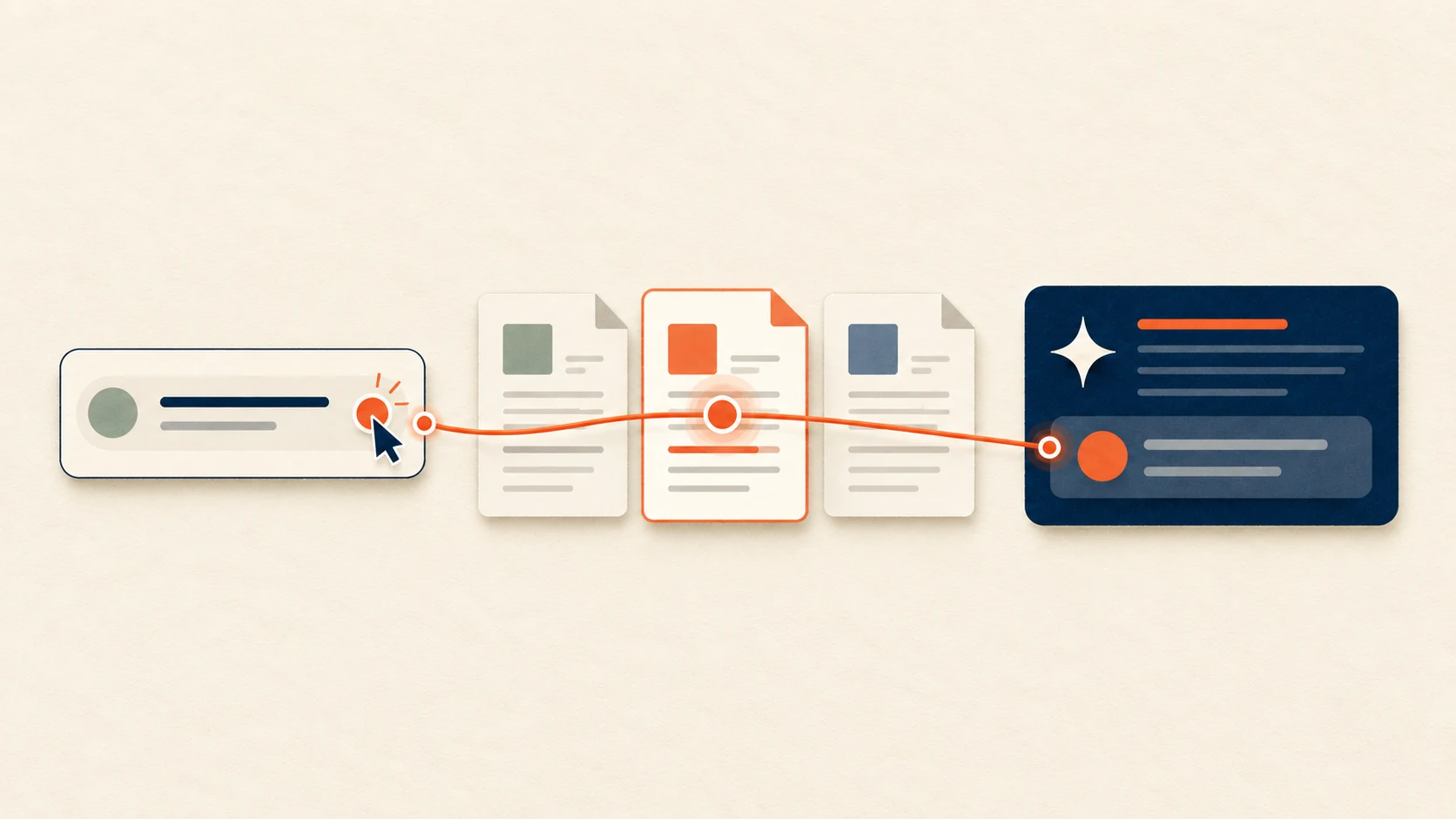
Do not use a large block of title text inside the image as a substitute for the page title. The HTML title, article body, alt text, and structured data should carry the information. The image should help readers understand the subject visually. Findable’s series keeps a warm hanji-inspired ivory surface, a restrained black/navy/sage/orange palette, and a flat editorial diagram showing a flow from search or question to evidence and result.
Also check that the image URL does not return 404, and that the og:image, structured-data image, and visible representative image refer to the same asset. If an image was recently replaced, verify that the deployed public URL and cache point to the new file.
4. Does the article provide something genuinely useful?
Discover is not a reward for repeating a keyword. When planning an article, start with the decision a reader should be able to make after reading it. The question is more useful than the keyword list.
Findable’s editorial structure is question, direct answer, evidence, practical sequence, and limitations. An article about Discover should answer whether indexing alone is enough, how Discover differs from News, how to prepare the image, and where to check performance. It should not repeat the same conclusion in slightly different wording or add an unsupported success rate.
A practical checking sequence
After publication, first confirm that the public URL loads normally. Then use URL Inspection in Search Console to check indexability and canonicalization, and review the sitemap and internal links. A request for indexing can be useful for an important new URL, but repeatedly submitting the same URL does not make Discover exposure happen faster.
Next, keep Discover performance separate from ordinary search rankings. Set a defined observation period in Search Console and check whether Discover impressions or clicks appear. Compare the pages, languages, and topics that received exposure. If no data is available, do not immediately assume a technical failure; review indexing, publication age, content quality, and audience relevance in that order.
How are Google News and Discover different?
Google News evaluates news-related content, news policies, and source signals. Discover recommends content to personalized feeds based on user interests and content usefulness and timeliness. Visibility in one surface does not automatically guarantee visibility in the other.
Do I need a special Discover schema?
Google’s official documentation does not require a separate Discover-only structured-data type. Article and Breadcrumb structured data can help describe a page, but adding them does not guarantee Discover exposure. More important is that the structured data matches the visible title, author, date, and image.
Is a 1,672×941 image acceptable?
It is a 16:9 image and is wider than Google’s preferred 1,200-pixel threshold. However, Google does not state that this exact size guarantees Discover exposure. A relevant high-resolution image, permission for large previews, and a working public image URL all matter together.
Bottom line
Google Discover is not secured through a separate application. It is an automatic recommendation surface for public, indexable content that meets Google’s policies and quality expectations, with actual exposure determined by relevance to a user’s interests. Findable should first make indexing, canonicalization, image delivery, and editorial quality reliable, then measure Discover separately from ordinary search visibility.
How is this different from AI answer visibility?
Discover is a recommendation surface that shows content based on interests before a user asks anything. AI answer visibility is about a brand and its sources being chosen inside an answer after a user asks a question. The two surfaces share the same premises: a public, indexable page, an accurate title, visible authorship and update dates, and a body grounded in fact. Page quality prepared for Discover therefore also supports AI citation, but success on one does not guarantee the other.
From the AI search visibility side, check three things together: whether AI crawlers can read the public page (AI crawlers), whether the brand name and description are consistent across places (brand entity), and whether authorship and evidence are visible (E-E-A-T). Track results per surface. How to read them is covered in How to Read SEO and GEO Metrics Together.